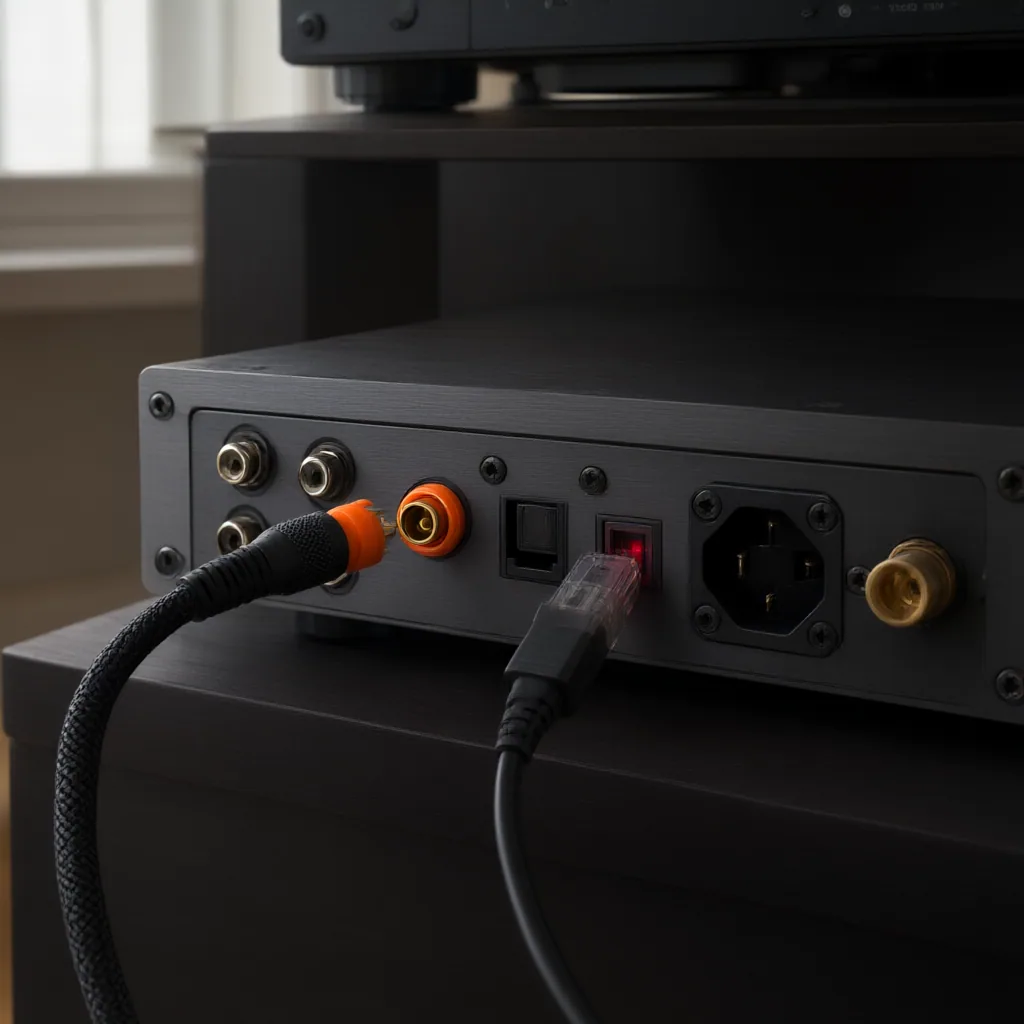
S/PDIF is still one of the simplest ways to move clean digital audio between players, streamers, DACs, AV receivers, and recording gear. If you want a dependable connection without guessing at cable types or menu settings, the key is to match the output format, the physical connector, and the device that will lock to the incoming signal.
What S/PDIF carries
S/PDIF, short for Sony/Philips Digital Interface, sends a two-channel digital audio stream plus timing information. In everyday setups it is commonly used for stereo PCM from a CD transport, media box, computer interface, or network player into an external DAC or receiver. Some equipment can also pass compressed surround formats, but support depends on both devices in the chain. A successful connection is not only about plugging in a cable; the receiving device must recognize the format and synchronize to the source clock.
Optical and coaxial connections
Most S/PDIF links use one of two physical forms: optical TOSLINK or electrical coaxial.
Optical uses light through a fiber cable. It is useful when you want electrical isolation between components or when you are avoiding ground-noise issues. The tradeoff is that optical connectors can be less tolerant of sharp bends, weak transmitter strength, or poorly seated plugs.
Coaxial S/PDIF uses an electrical signal, typically on RCA connectors and sometimes on BNC in more specialized gear. It is often preferred for secure mechanical fit and stable transmission over reasonable cable runs, but it relies on proper impedance and sensible cable choice. A standard analog patch lead may work in some cases, yet a true digital coax cable is the safer option when reliability matters.
Before you connect
Confirm three things before powering up the chain. First, identify whether the source device has optical output, coaxial output, or both. Second, check what the receiving device accepts on its digital input. Third, look for format limits in the settings menu or manual, especially sample-rate support and whether the source is set to PCM or a bitstream mode.
If one device only offers optical and the other only accepts coaxial, they will not connect directly without an active converter. Passive adapters are not enough because the signal type is different, not just the plug shape.
A practical connection sequence
Start with both devices powered down or muted. Connect the S/PDIF cable from the source output to the matching digital input on the DAC, amplifier, or recorder. Select that input on the receiving device, then power on the source. If the source has digital output options, begin with stereo PCM because it is the most broadly compatible setting.
Once signal is present, watch for a lock indicator, sample-rate display, or input confirmation. If the receiver locks immediately, play a known audio source and listen for stable output. If there is sound but it cuts in and out, reseat the cable first, then check the output mode and sample-rate setting. If there is no lock at all, verify that the selected input matches the actual connector in use.
Common problems and how to isolate them
No sound usually comes from one of four causes: wrong input selected, incompatible output format, damaged or incorrect cable, or a device that does not lock to the current sample rate. Intermittent clicks or dropouts can point to cable quality, loose optical alignment, or clock instability between source and receiver. Noise is less common with a digital link itself, so if you hear hum or buzz elsewhere in the system, the problem may be in the analog stage after conversion rather than in S/PDIF transport.
A useful test is to simplify the chain. Try one source, one cable, and one receiver with no extra converters or switchers. If that works, add the rest of the system back one step at a time until the failure point becomes obvious.
When S/PDIF is the right choice
S/PDIF makes sense when you need a straightforward digital handoff between consumer audio components, especially for stereo playback or simple recording routes. It is less flexible than newer connection standards for multichannel control, metadata, or high-channel-count studio work, but it remains practical because it is widely supported and easy to troubleshoot.
For most systems, the best results come from treating S/PDIF as a signal path with clear limits: match connector type, confirm format compatibility, keep the route simple, and check lock status before chasing more complex explanations.